
What workflow automation delivers
Stop manually moving data between tools. Let your systems talk to each other automatically.
End-to-end process automation
Chain multiple steps across multiple tools into a single automated workflow — from trigger event to final outcome, no human required.
Zero-code data syncing
Customer records, leads, orders, and payments stay perfectly in sync across all your platforms — automatically, the moment data changes.
Automated communications
Triggered emails, SMS messages, and notifications go out at exactly the right moment — confirmations, follow-ups, reminders, and escalations.
Intelligent conditional logic
Workflows branch and adapt based on data values — routing different customer types to different processes, or escalating exceptions automatically.
Automated document generation
Proposals, contracts, invoices, and reports generated and sent automatically when a trigger condition is met — reducing admin hours dramatically.
Performance dashboards
See exactly how your workflows are performing — tasks completed, errors caught, and time saved — in real-time reporting dashboards.
Workflows UK businesses automate first
These are the workflows that consume the most manual time — and are ready to automate now.
Discuss your use case →Lead capture to CRM
New enquiries from website forms, ads, or emails are automatically added to your CRM, assigned to a rep, and enrolled in a follow-up sequence.
Customer onboarding
When a new client signs up, the automation sends welcome emails, creates project tasks, provisions accounts, and notifies the team — instantly.
Invoice and payment management
Invoices are generated, sent, and chased automatically. Payment received triggers an update in your accounts software and a confirmation to the client.
Appointment booking and reminders
A booking from your calendar triggers a confirmation email, a reminder SMS 24 hours before, and a CRM update — all automatically.
Internal reporting and dashboards
Weekly reports pulled from multiple data sources and delivered to your inbox every Monday morning, with zero manual work.
Staff onboarding and offboarding
New hire triggers account creation, welcome pack delivery, task assignment, and IT provisioning. Departures trigger access revocation automatically.
How it works
From discovery to live — a proven delivery process
Workflow mapping
We map your current manual processes, identify the most impactful automations, and design the workflow architecture.
Build & integrate
We build the automation logic and connect it to your platforms via API, native integration, or custom connector.
Test end-to-end
We run the full workflow through all scenarios — success paths, errors, and edge cases — before flipping the switch.
Go live & monitor
Automation launches into production. We monitor it for the first weeks and optimise based on real data.
Real results from real clients
Case Study
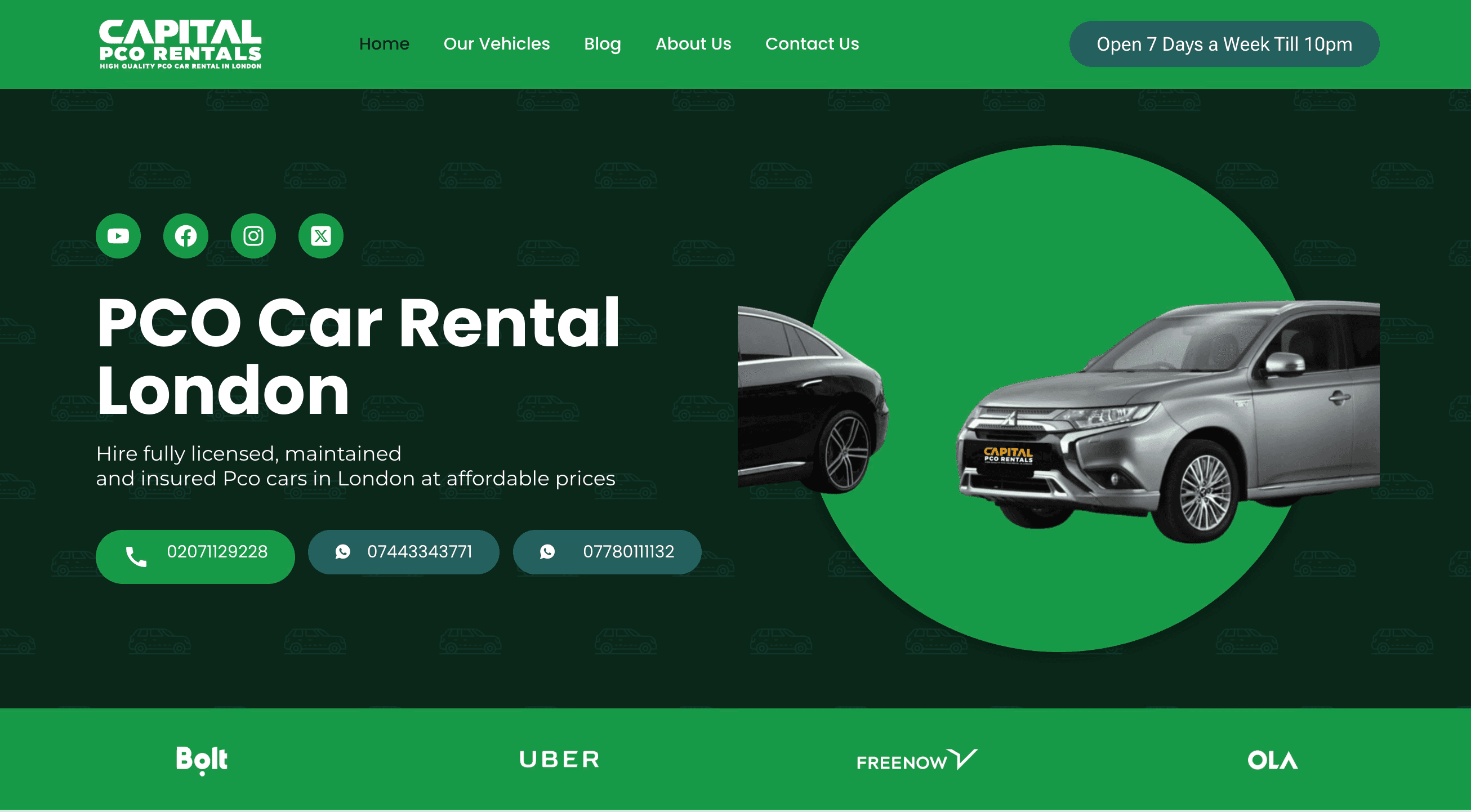
Capital PCO Rentals
Capital PCO Rentals came to us needing their entire digital operation set up from scratch — website, digital marketing, and automated workflows for their rental booking process. We built their full stack, including an AI voice bot for bookings and automated workflows connecting enquiries to their operational systems.
"They listened to our needs, focused on our audience, and gave our brand a competitive edge. Their approach was strategic and highly effective!"
Frequently asked questions
What is workflow automation?
Workflow automation is the use of software to execute a series of tasks without manual human input. When a trigger event occurs — such as a new lead arriving, a form being submitted, or an invoice being approved — the automation runs a predefined sequence of actions across your connected tools, eliminating the need for anyone to manually move data or send emails.
Which tools and platforms do you work with?
TechAlliance 365 builds automations that connect any tools with an API or integration capability — including CRMs (HubSpot, Salesforce, Zoho), email platforms (Gmail, Outlook, Mailchimp), project management tools (Asana, Monday, Notion), accounting software (Xero, QuickBooks), and hundreds of other platforms. If you have a custom internal system, we can build a direct API integration.
How much does workflow automation cost for a UK business?
Simple single-workflow automations can be built and deployed for a few hundred pounds. Complex, multi-step automations with multiple integrations and custom logic are priced based on the scope. TechAlliance 365 offers a free consultation to assess your workflows and provide transparent pricing with no hidden fees.
Does workflow automation replace my existing software?
No. Workflow automation connects your existing tools together — it sits on top of your current stack, making everything work together seamlessly. You keep using the software you know, and the automation handles the manual work between systems.
What happens when an automation fails or produces an error?
All our automations include error handling, retry logic, and alerting. When something unexpected happens, the automation logs the error, alerts the right person, and — where possible — takes a fallback action. Nothing slips through silently.
How do I know if my processes are ready to automate?
A good candidate for automation is any task your team does repeatedly, that follows a predictable pattern, and that involves moving data between systems or sending standard communications. If someone on your team does the same thing more than 5 times a week, it can almost certainly be automated. Book a free consultation and we'll do a workflow audit with you.
Your team should be doing the work, not the admin
Book a free workflow audit and we'll identify the automations that will save the most time.
Get your free consultationNo commitment. We'll map out your automation opportunities in one call.